Dashboard
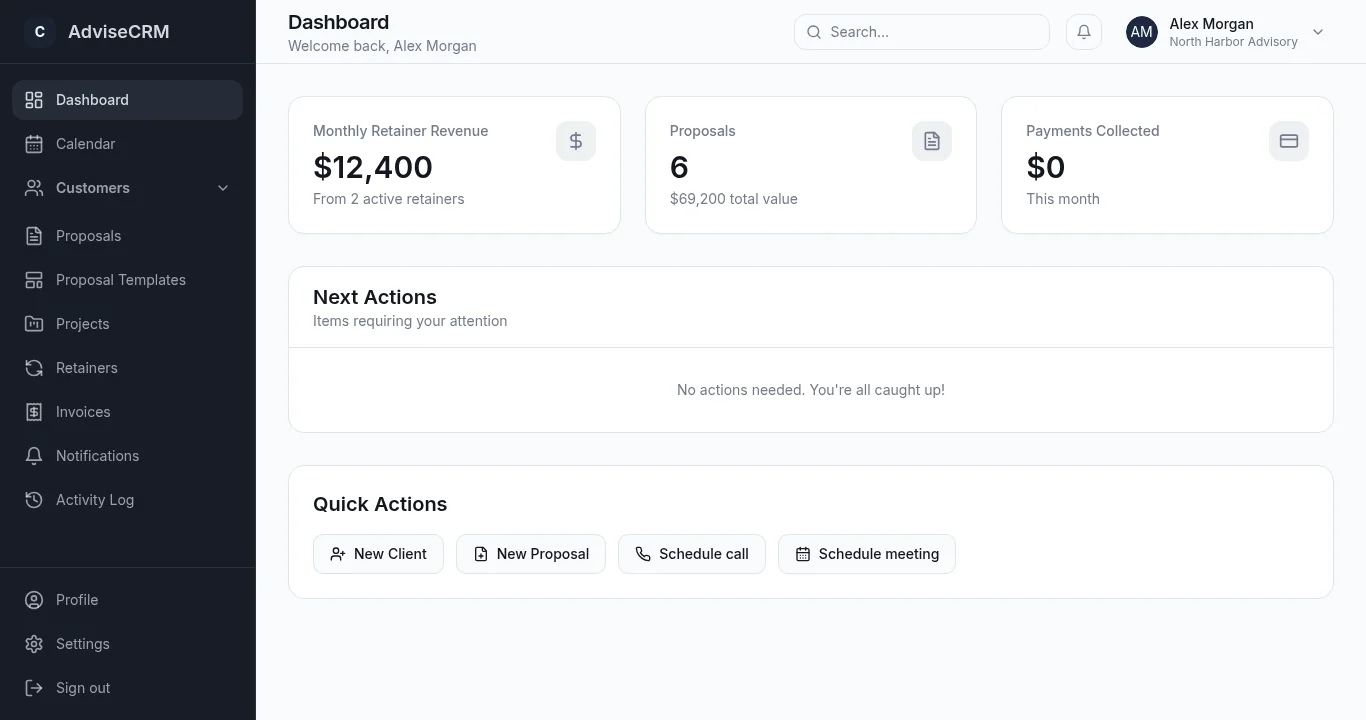
Your practice at a glance
Revenue, proposals, and payments on one screen — plus next actions so you know what to do today.
Demo
A two-minute product walkthrough with narration — then open each area in the app or browse the sample screens below.
Tour
Open each step in the app, or scroll the sample screens.
Dashboard
Revenue, proposals, and payments on one screen — plus next actions so you know what to do today.
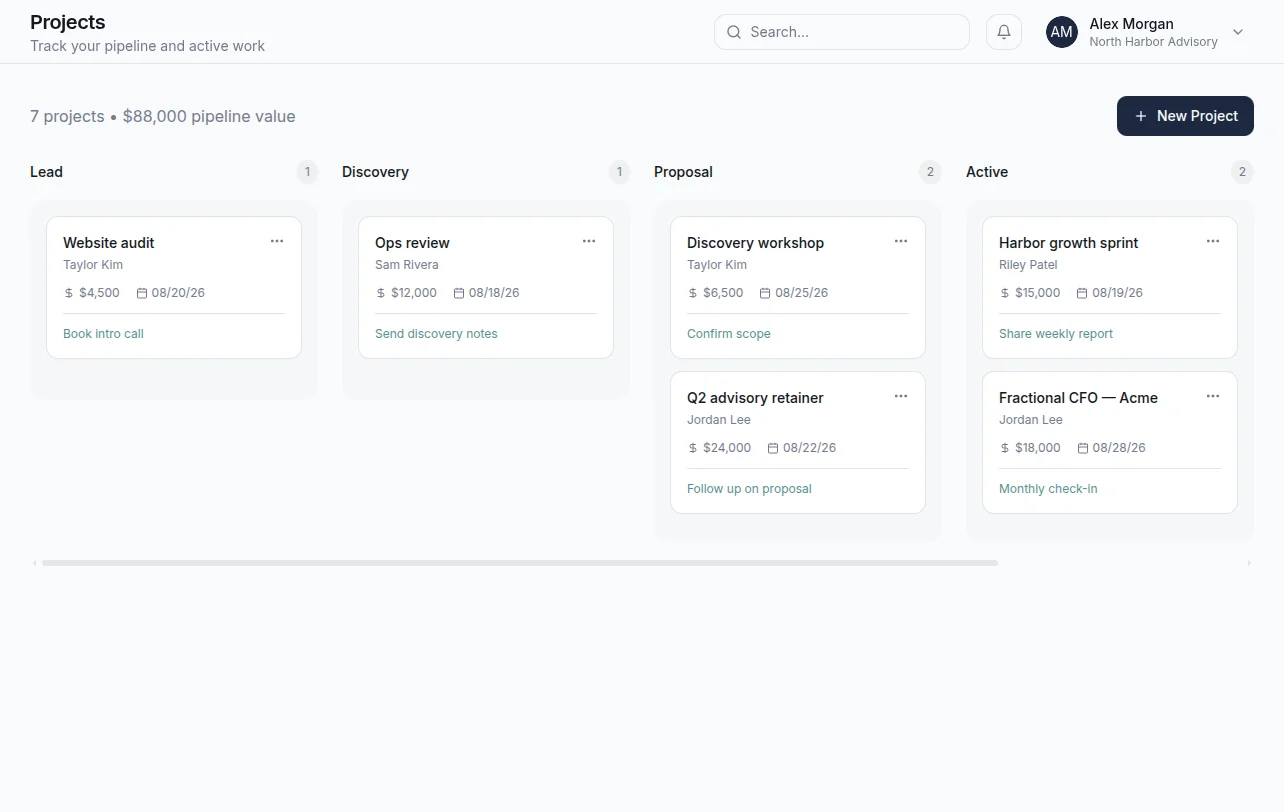
Projects pipeline
Move work from Lead through Discovery, Proposal, Active, and Complete — just like your real consulting flow.
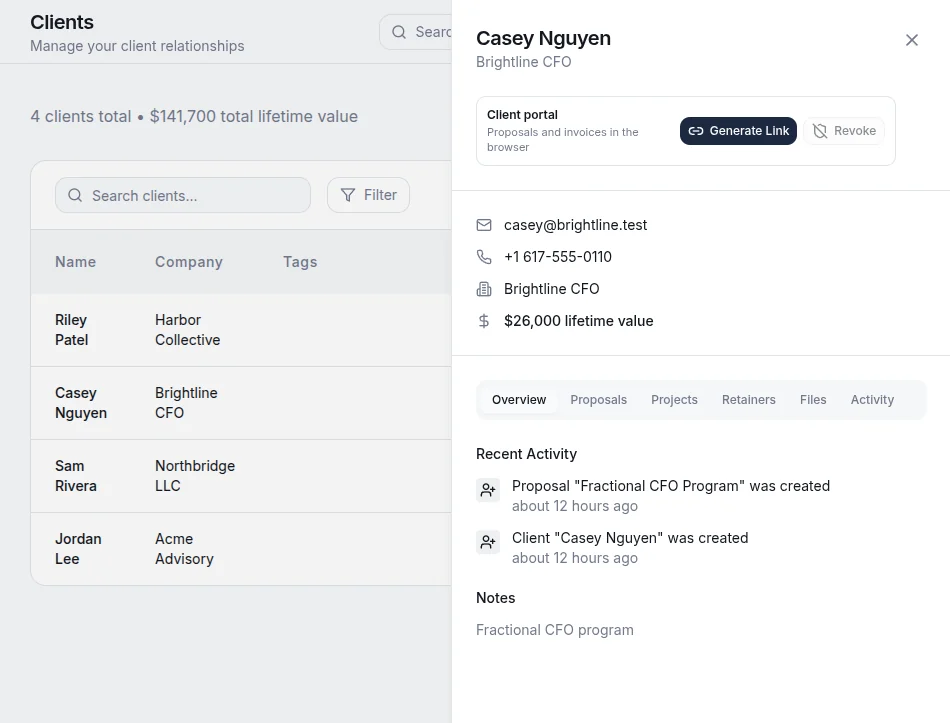
Clients & prospects
Search, filter, and manage contacts with company details, tags, and lifetime value — built for consultants, not sales quotas.
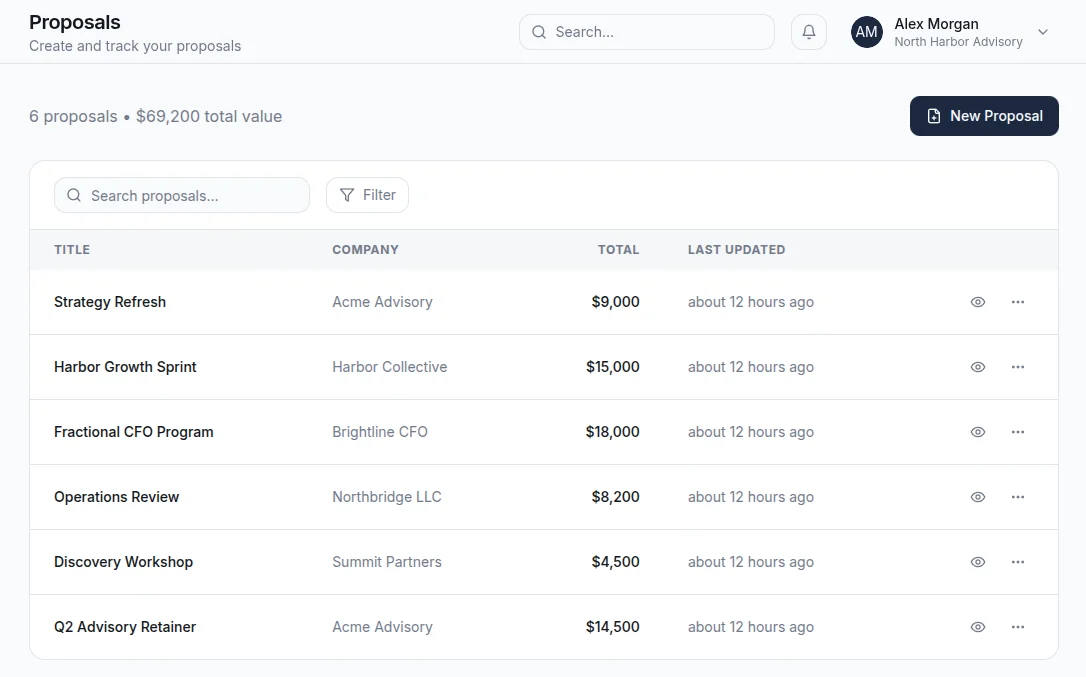
Proposals & e-signatures
Build from templates, send for e-signature, and track every step — draft, sent, awaiting signature, signed, and paid — without leaving AdviseCRM.
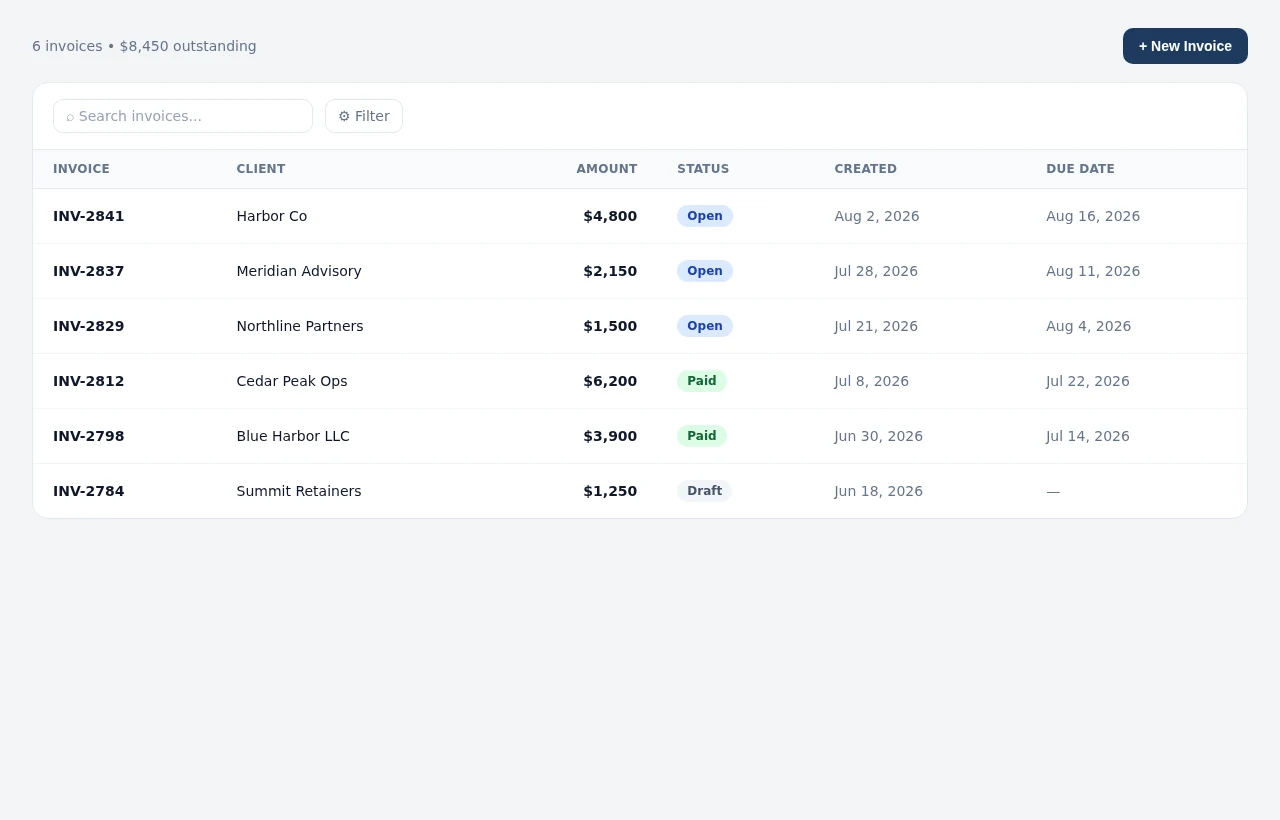
Invoicing & payments
Create invoices, send them for payment via Stripe, and see open, paid, and draft status in one place — so cash flow stays as clear as your pipeline.
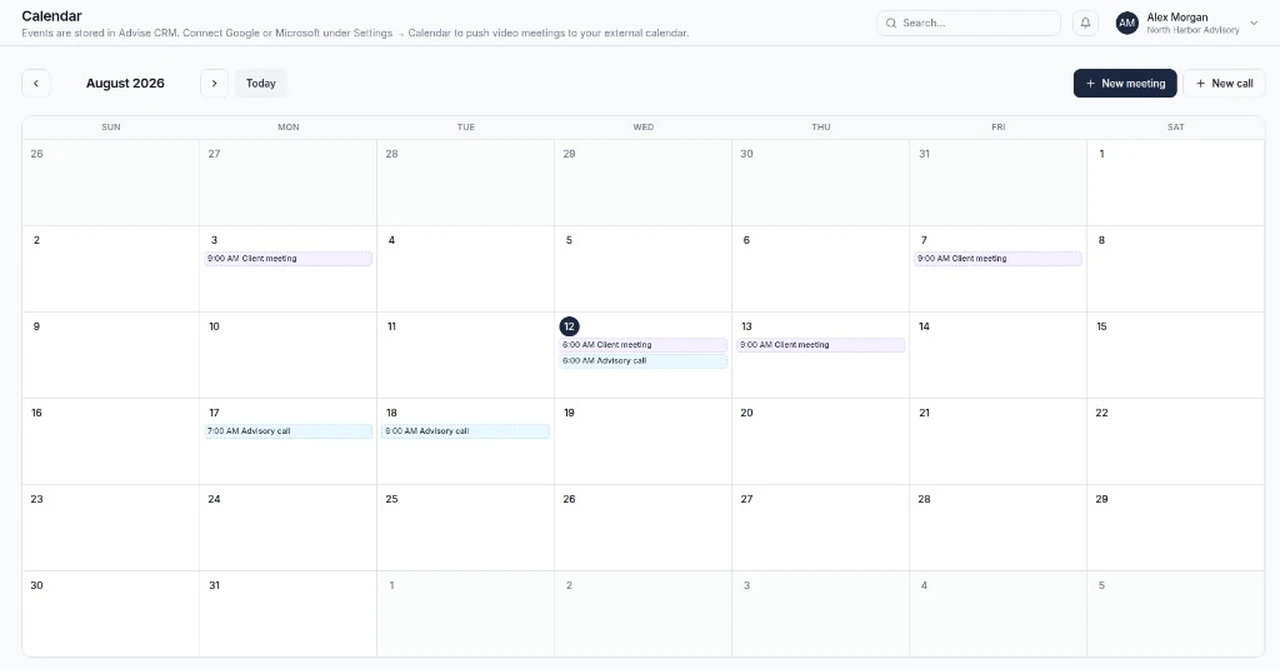
Calendar scheduling
Book discovery calls and client meetings in AdviseCRM, then sync to Google Calendar or Microsoft 365 with Meet or Teams links when connected.
No credit card required